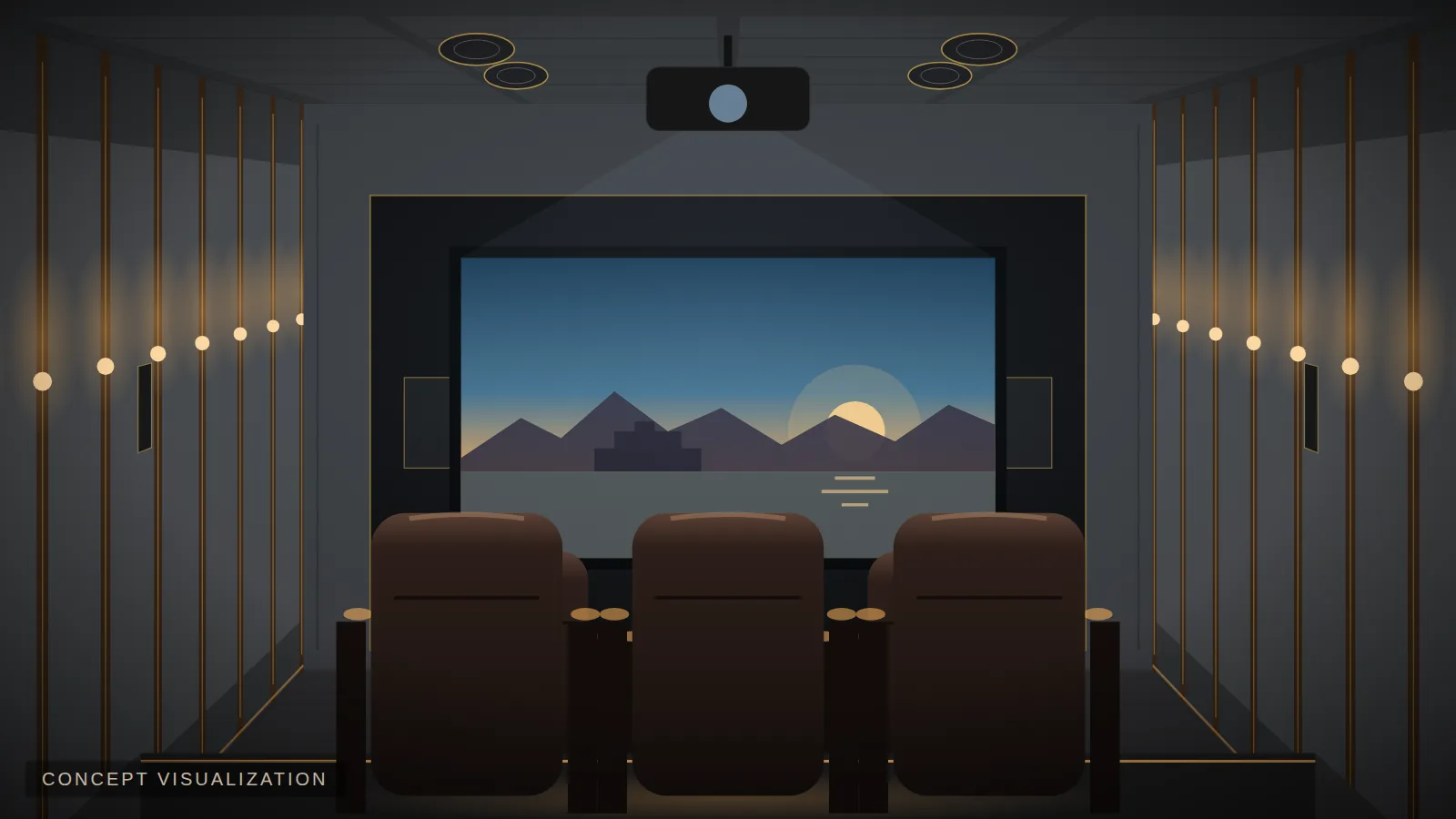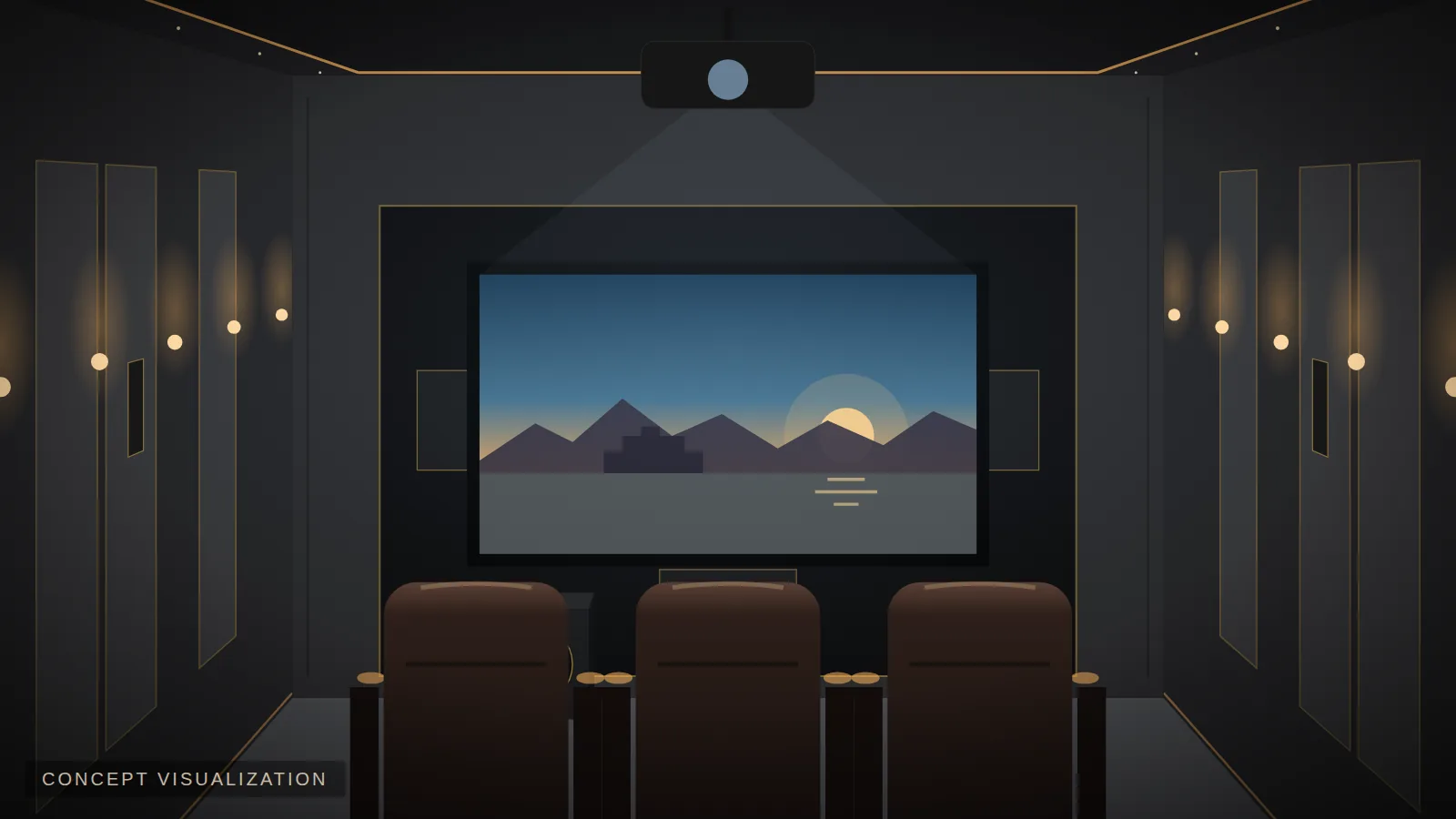
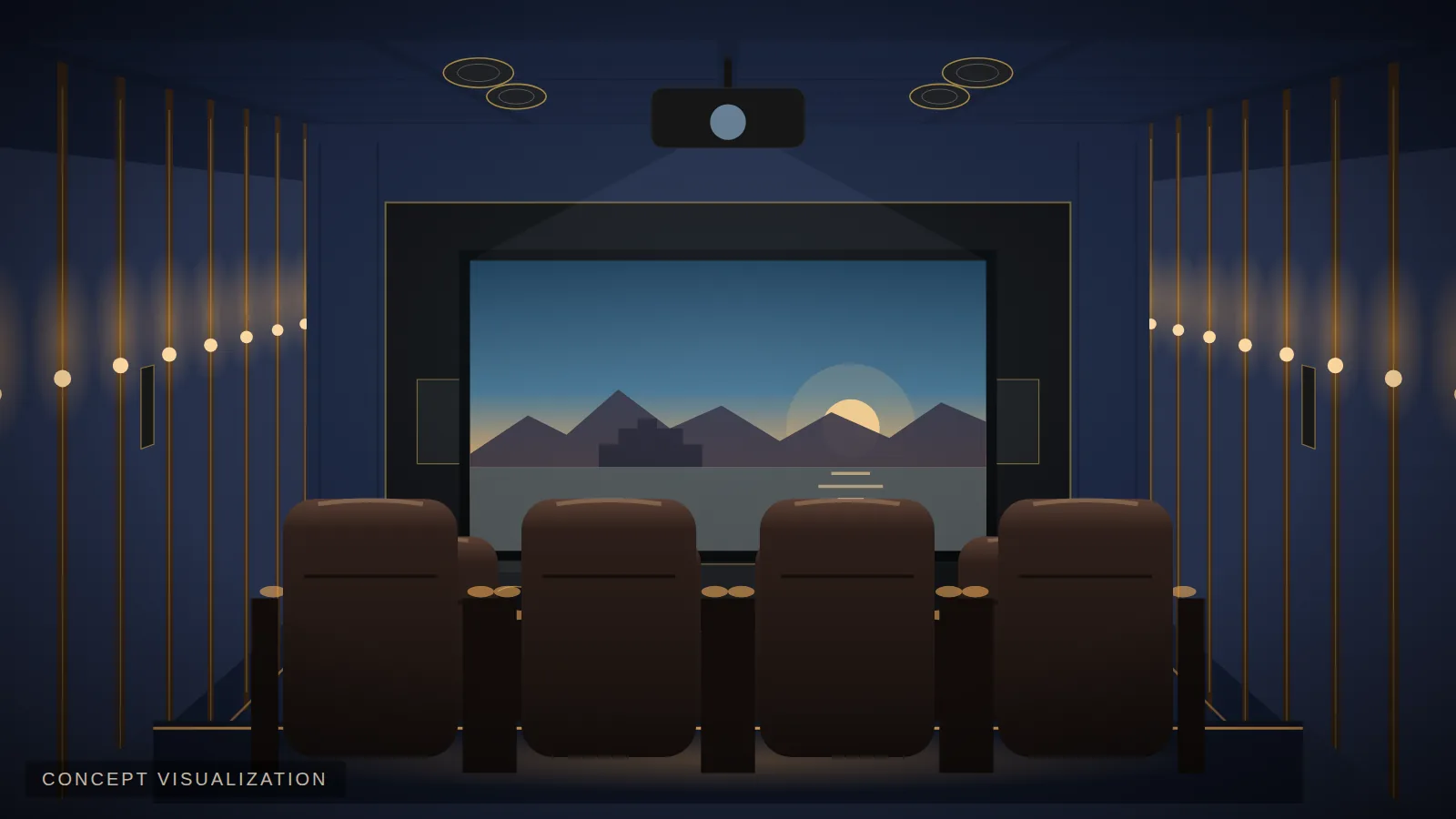
 Concept visualization
Planning immersive audio is easiest before walls and ceilings are finished. Use this checklist to get it right the first time.
1. Confirm room size and ceiling height
Room area guides the layout (see 5.1 vs 7.1 vs 7.1.4). Ceiling height guides the number of height speakers: around 8 ft suits two; around 8.5 ft or more suits four.
2. Fix the seating first
Height and surround speakers are positioned relative to the main listening position. Decide rows, riser height and the main seat before marking speaker positions.
3. Choose the layout
- 5.1.2 — compact rooms, simple immersion.
- 5.1.4 — medium rooms, excellent value.
- 7.1.4 — dedicated cinemas.
- 9.1.4 — large rooms with multiple rows.
4. Mark height speaker positions
Typically, front height speakers sit slightly in front of the main seats and rear height speakers slightly behind, roughly in line with the front left/right speakers. Avoid placing them directly above heads in low rooms.
5. Plan wiring and back-boxes
Run speaker cable to every position (including future ones), use back-boxes for in-ceiling speakers where possible, and bring everything to a ventilated rack.
6. Choose the processing and amplification
Your AV receiver or processor must support the channel count (e.g. 12 channels for 7.1.4). Larger rooms benefit from external power amplifiers.
7. Treat the room
Immersive sound depends on precise localisation — reflections blur it. An acoustic ceiling zone and first-reflection treatment are especially important.
8. Calibrate
Distance, level, crossover and room correction for every speaker and subwoofer. Immersive systems especially benefit from professional calibration.
9. Choose immersive content
Streaming services, 4K Blu-rays and games offer Atmos soundtracks — make sure your source device supports them.
Try layouts on your own room in the Cinema Designer (step 6 shows a speaker placement diagram for each), or see Dolby Atmos home theater in Udaipur.
Plan your cinema with EVORA
See what fits your room in minutes — screen size, seating, speaker layout, acoustics and a preliminary budget.