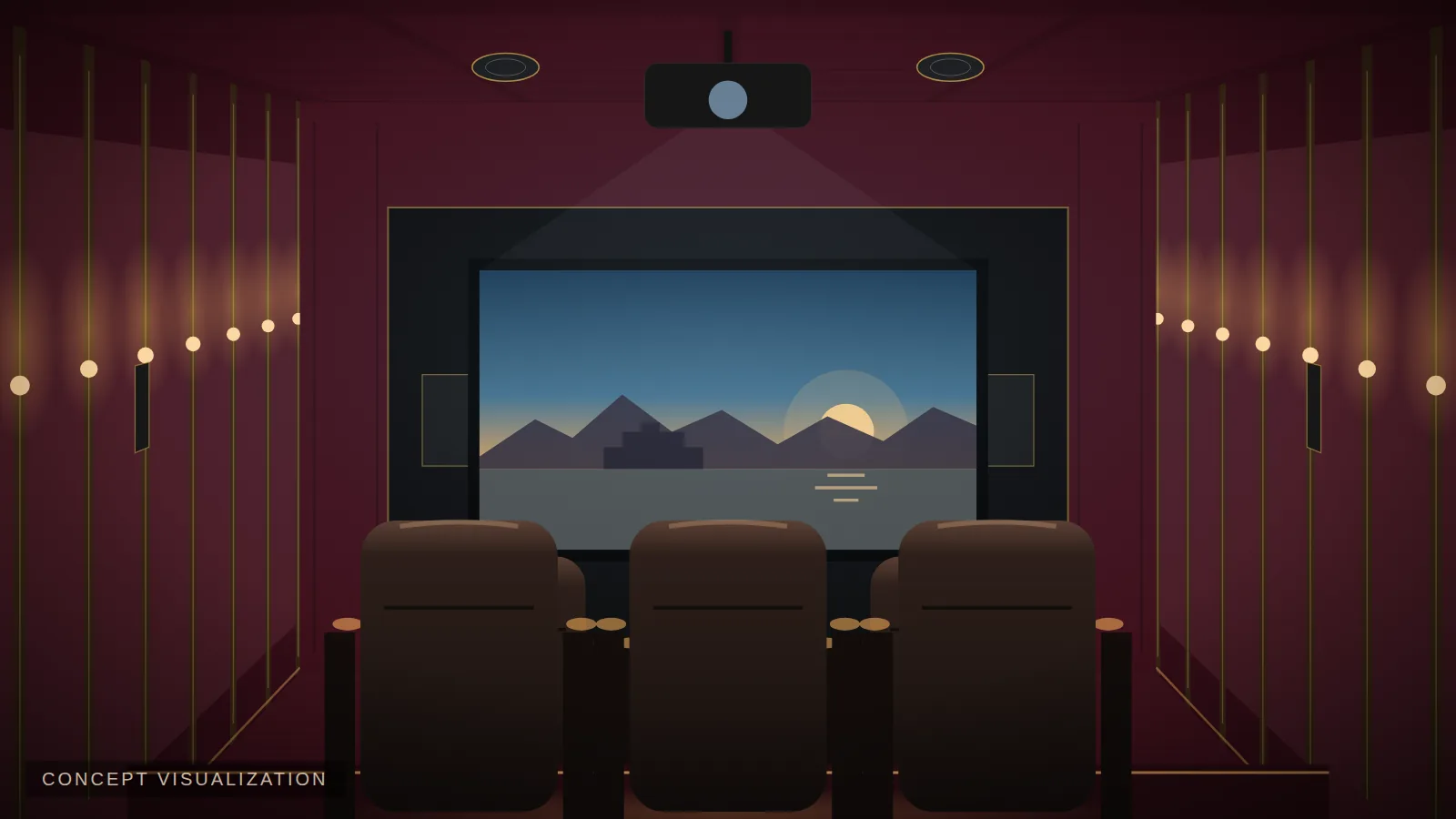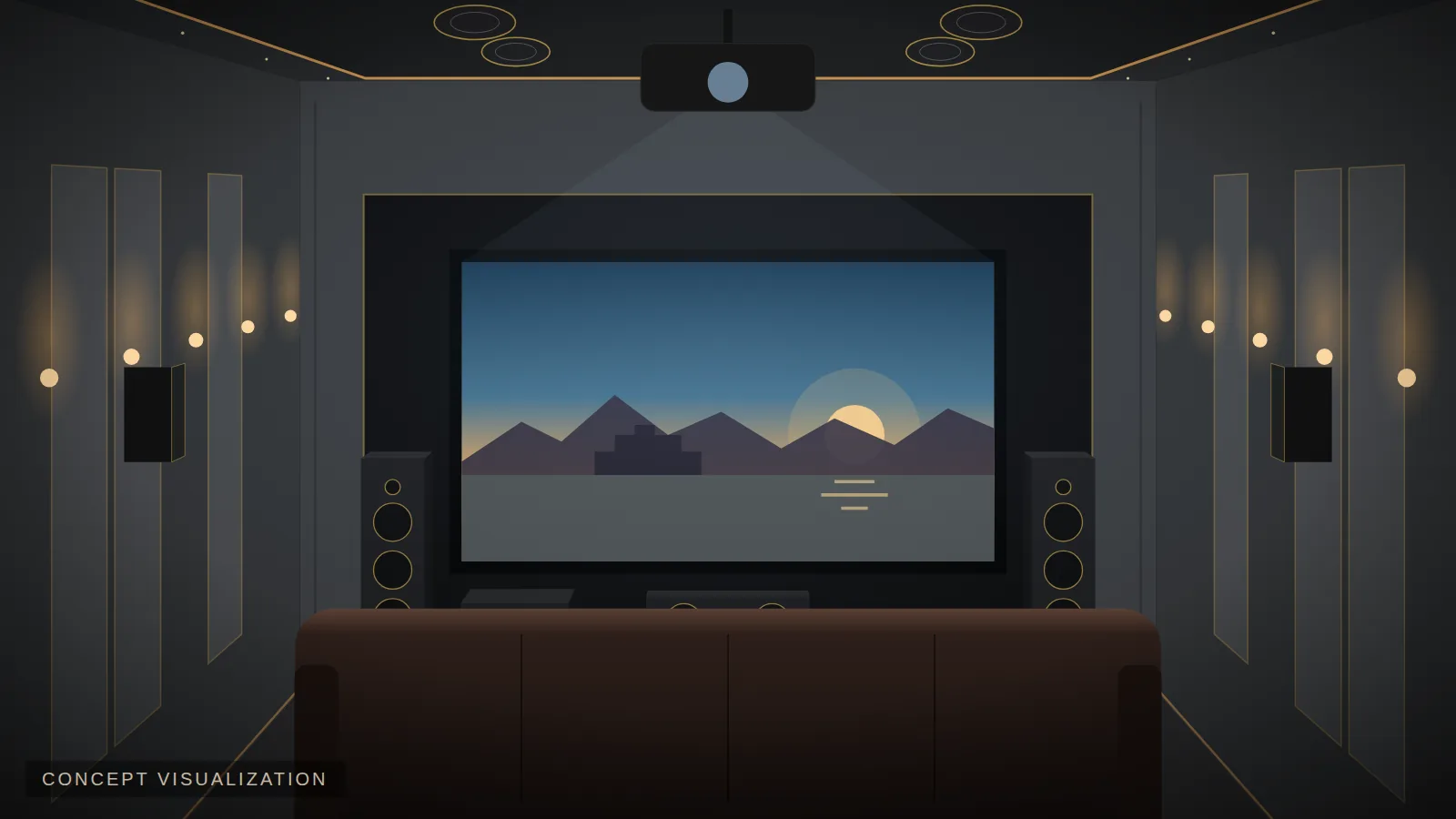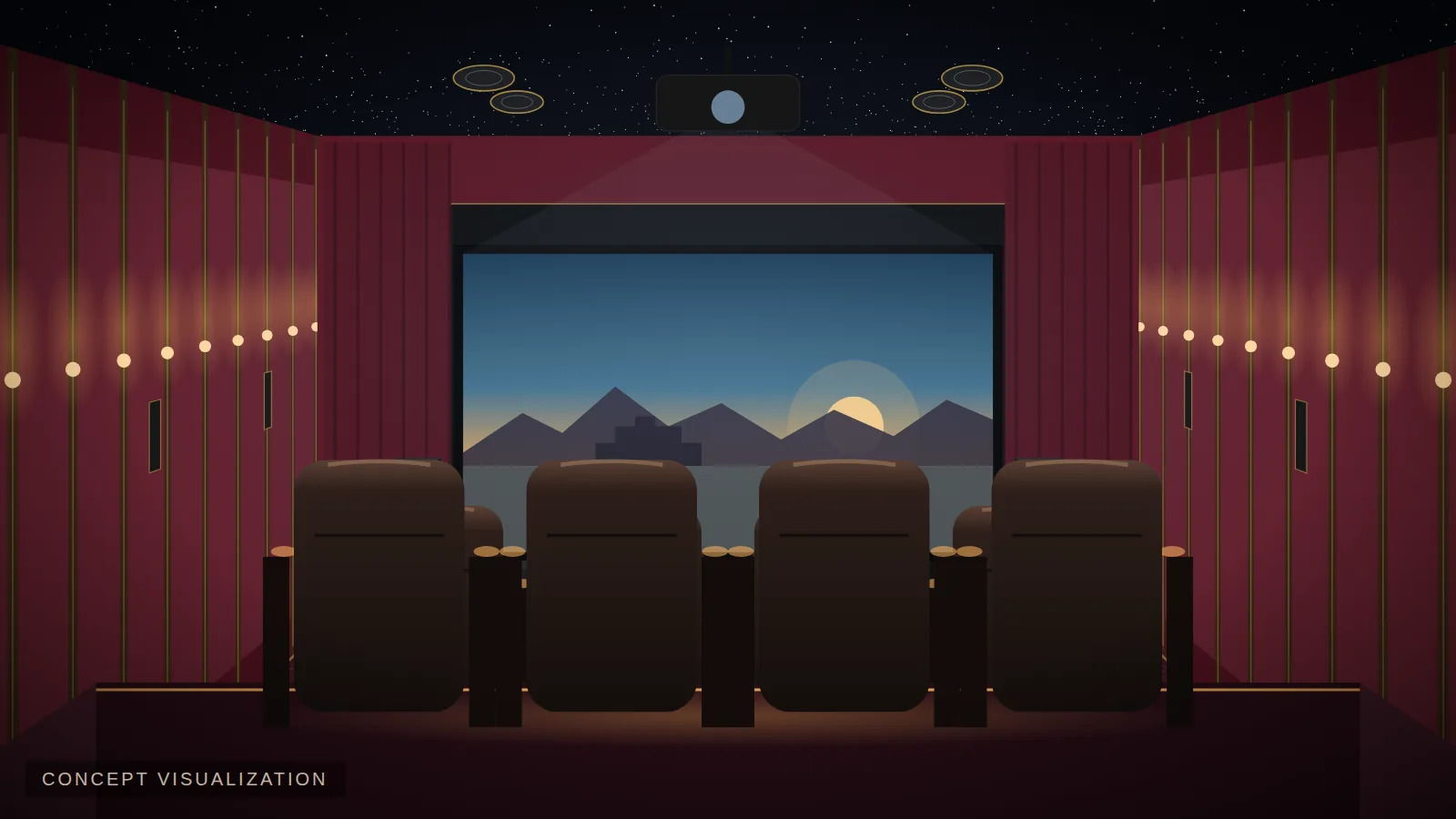
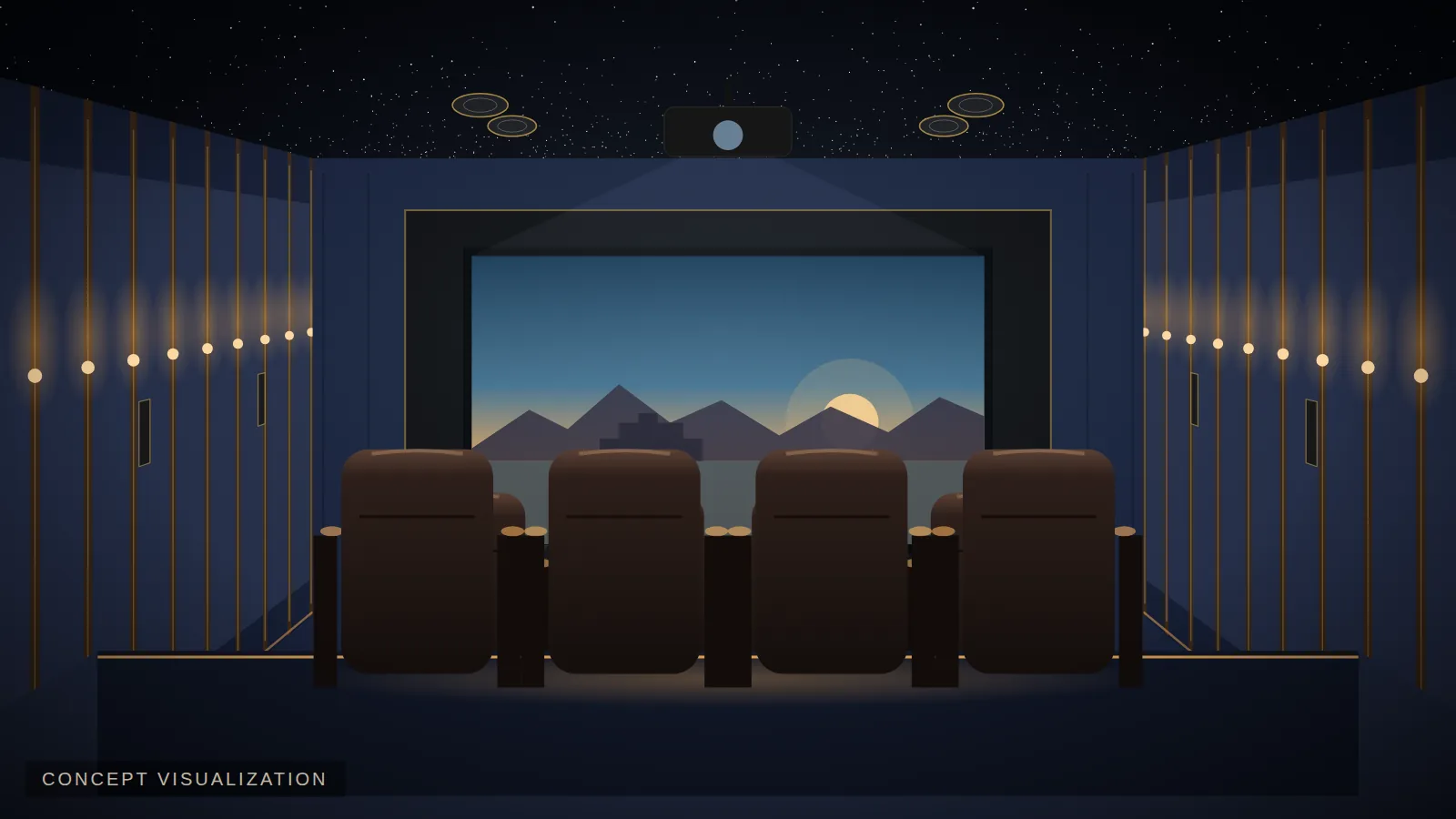
 Concept visualization
The best home cinemas are effortless to use. Automation turns a room full of devices into a single experience that anyone in the family can enjoy.
1. One-touch "Movie" scene
Press one button: the lights dim, curtains close, the screen drops (if motorised), the projector and audio system power on and select the right input, and the AC adjusts to a quiet setting.
2. Intermission and end-credits scenes
Lights rise gently when you pause; brighten and curtains open when the film ends.
3. Motorised curtains and masking
Velvet curtains that open on cue add real theatre. Screen masking frames different aspect ratios perfectly.
4. Welcome scene
When the cinema door opens, step lights and sconces glow, the star ceiling twinkles and background music plays.
5. Climate control
Pre-cool the room before guests arrive, and keep airflow quiet during the film.
6. Simple remotes and apps
A single remote or tablet with clear buttons — Movie, TV, Music, Lights — so grandparents and kids can use it too.
7. Voice and phone control
Where preferred, integrate voice assistants or phone apps for convenience.
8. Whole-home integration
Extend control to lighting, curtains and audio in other rooms, and security cameras on the cinema screen.
Plan it early
Automation needs wiring for curtains, lighting drivers, network and control. It's simplest during construction or major renovation.
Add Lighting Automation, Motorized Curtains or Home Automation & One-Touch Control in the final step of the Cinema Designer to see the effect on your estimate.
Plan your cinema with EVORA
See what fits your room in minutes — screen size, seating, speaker layout, acoustics and a preliminary budget.